1. Introduction
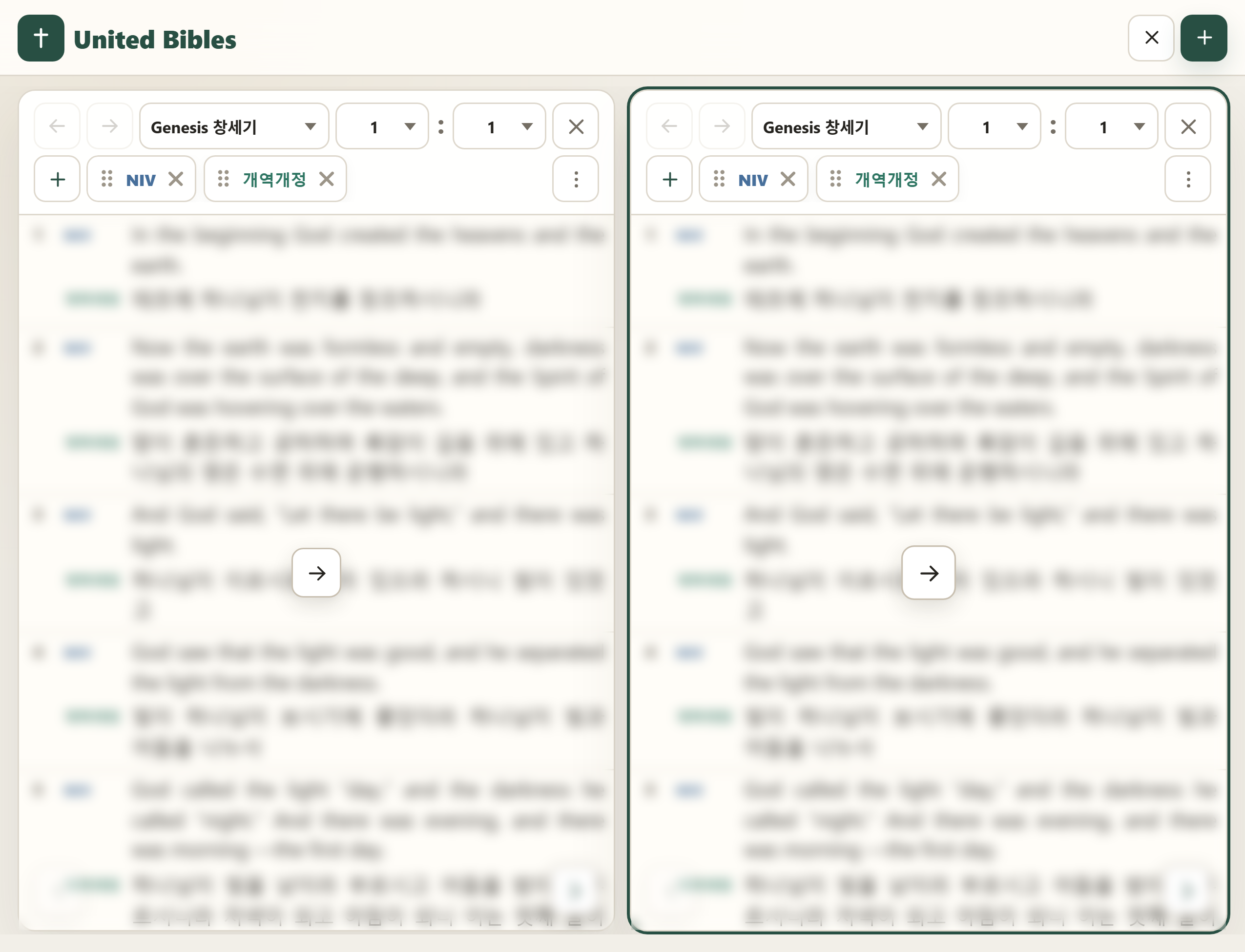
This app is a web-based, integrated Bible study app that lets you view multiple Bible texts and Bible concordances side by side, in parallel, by version.
2. Page Options
A panel in the page is a single window that displays Bible text, a concordance, notes, and more. Page Options configures settings that apply to every panel in the page.
2.1 Add Panel
 Adds a new panel to the right of the existing panels.
2.2 Panel View
Sets how many panels are visible on screen at once.
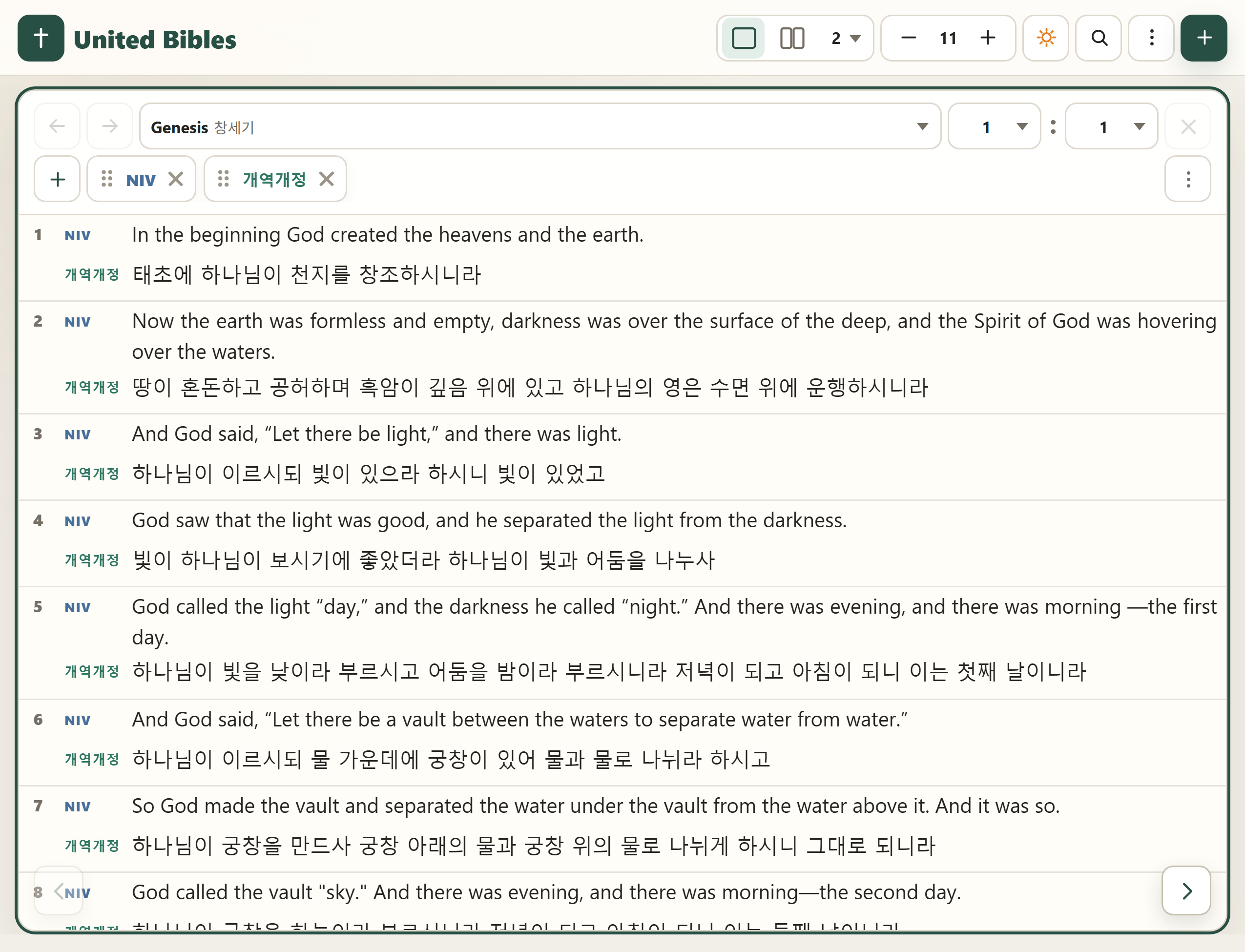
 Sets the panel's width to match the full width of the screen, so only one panel is shown.
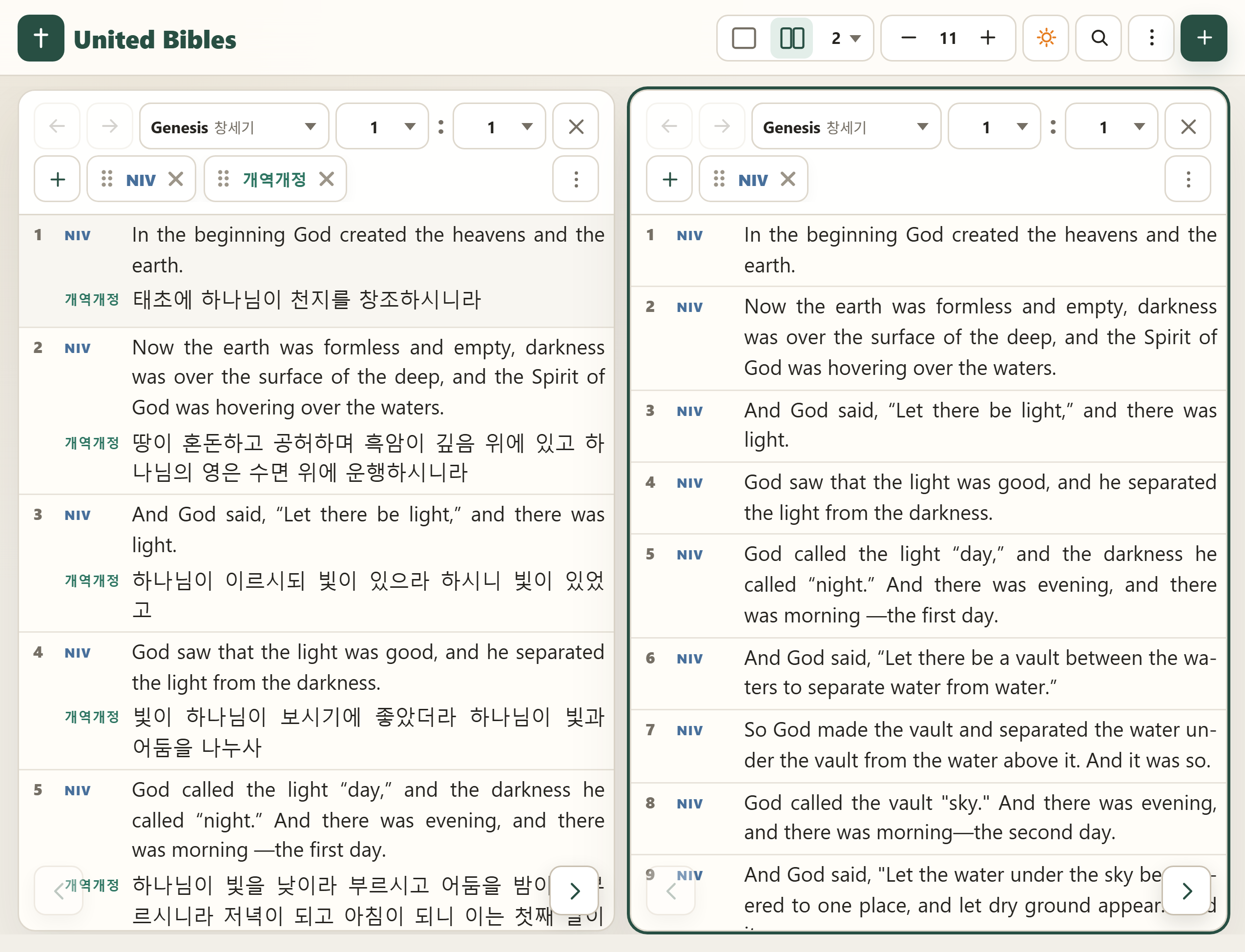
 Shows however many panels are set in the number selector on screen at once.
2.3 Font Size
 Adjusts the font size of the Bible text shown in the panel.
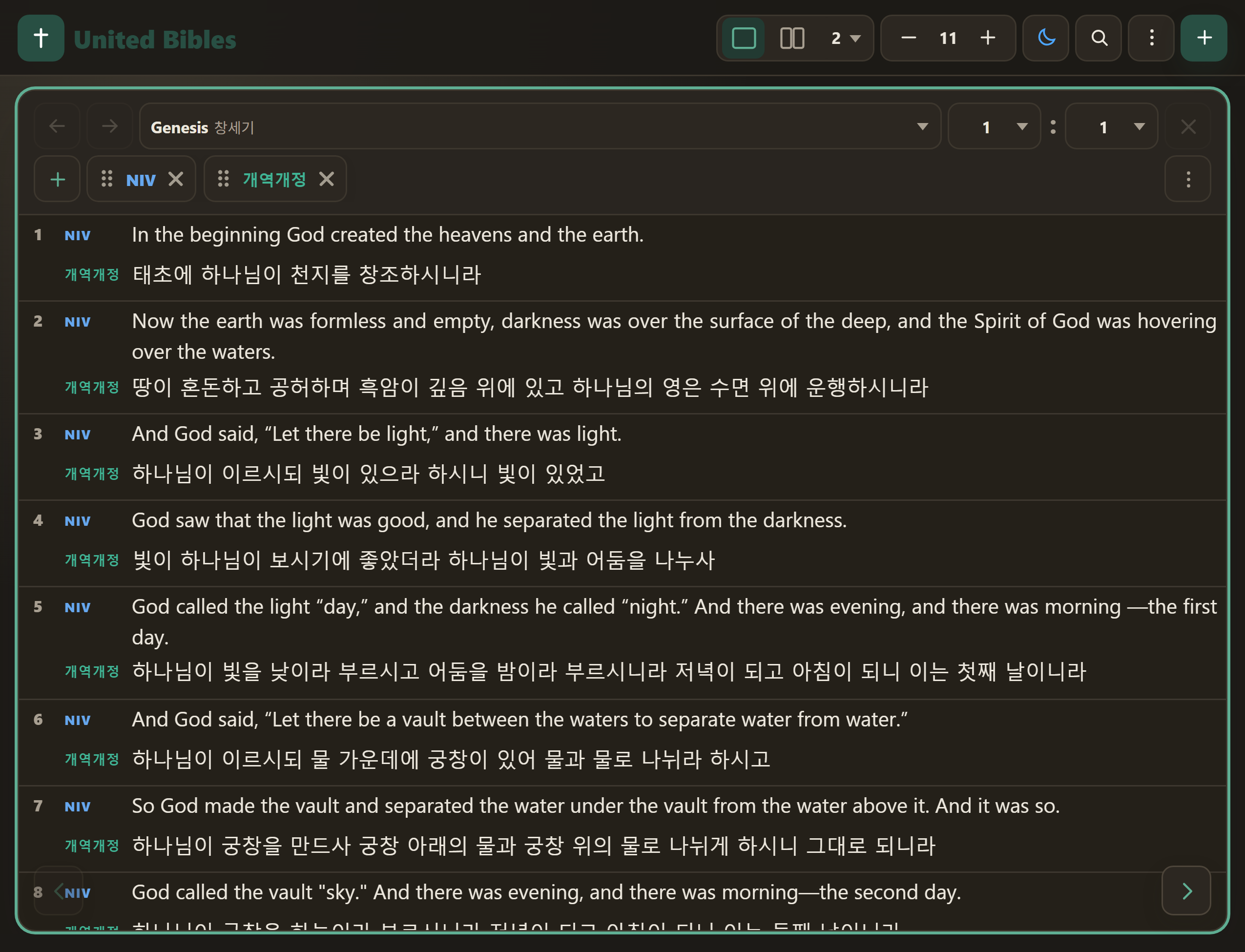
2.4 Light / Dark Mode
 Light mode.
 Dark mode.
3.1 Reading Mode
Displays the Bible text as continuous prose, without chapter/verse breaks.
 Enters reading mode.
 Adds chapter/verse numbers to the text in reading mode.
3.2 Link Panels
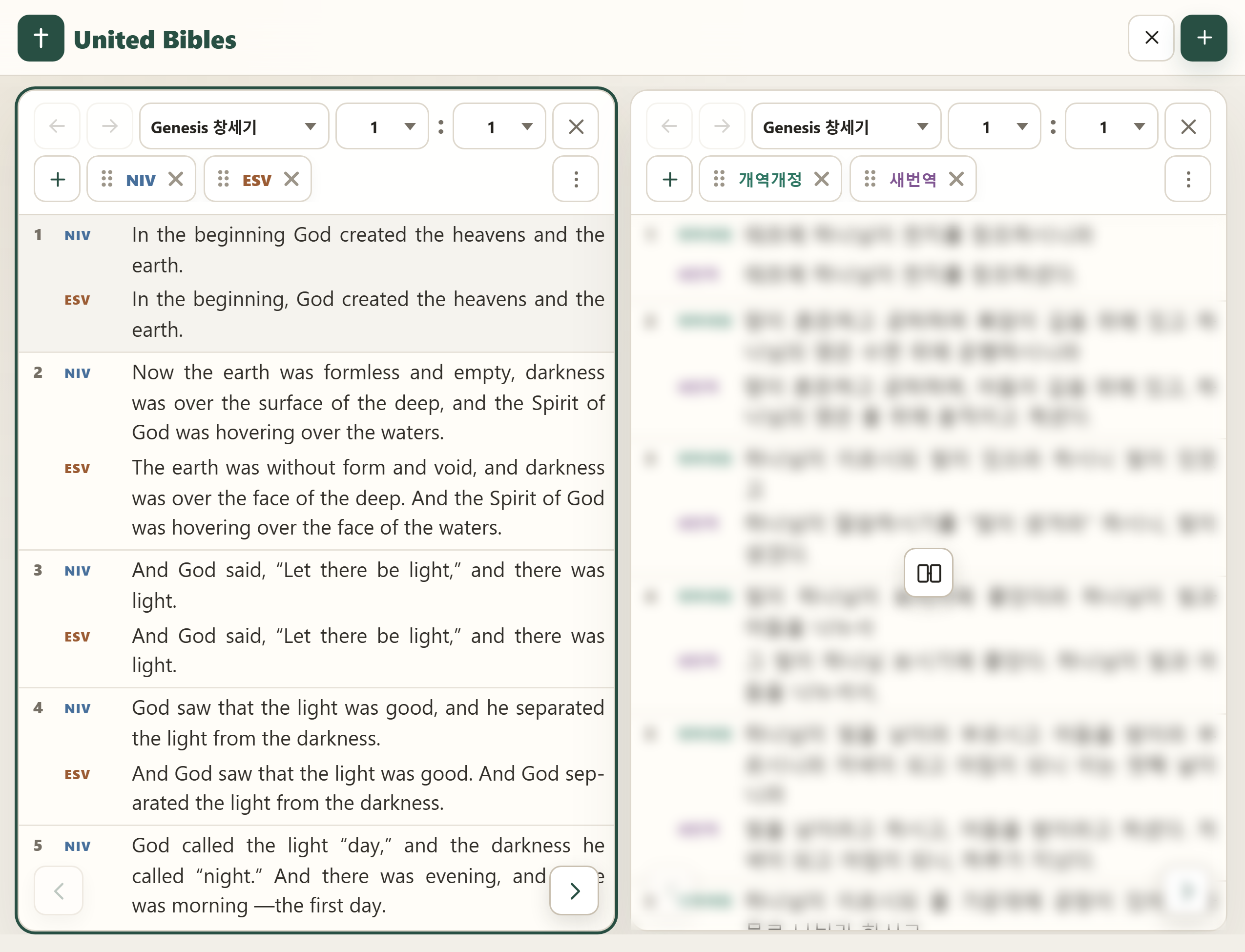
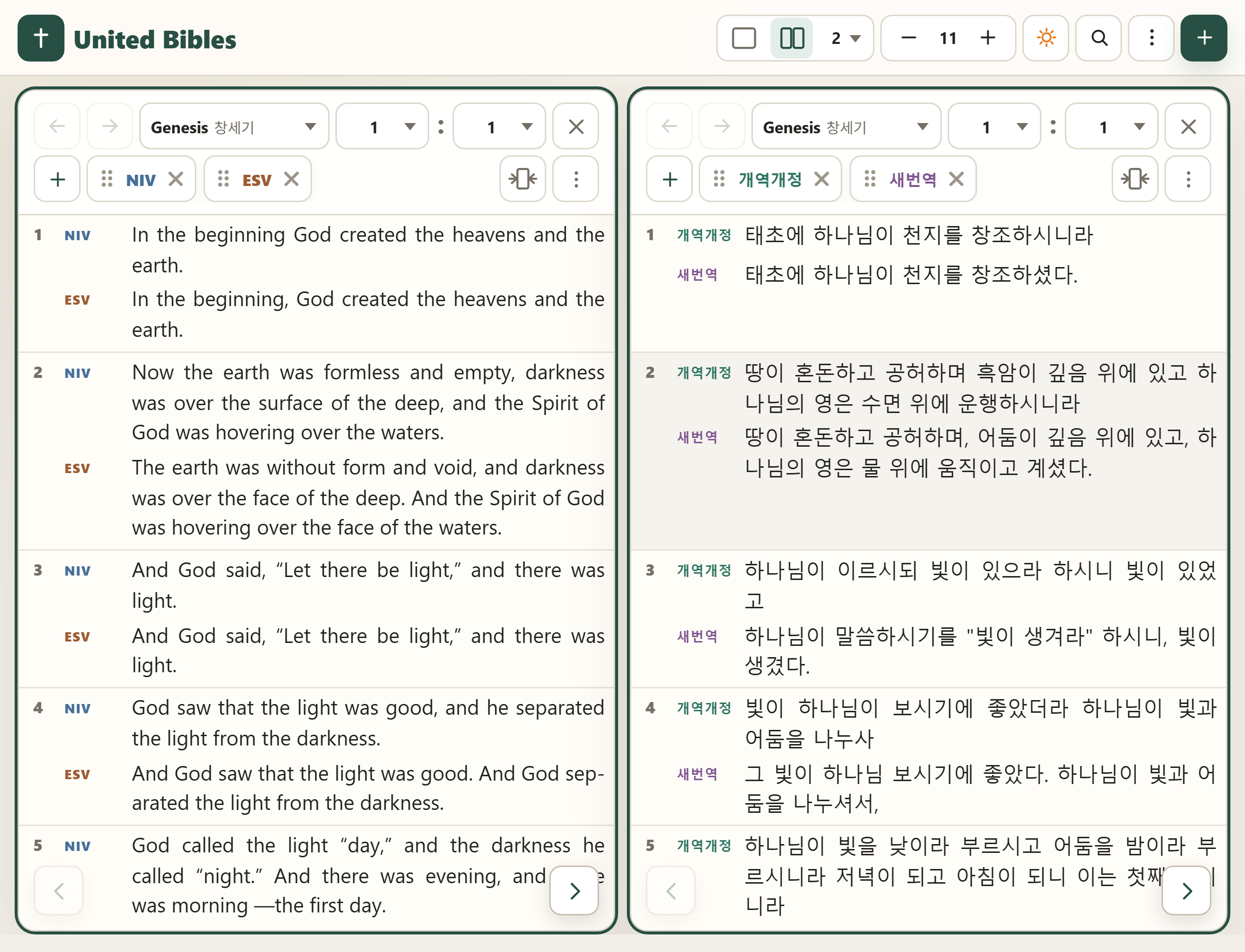
Multiple panels show the same Bible passage, with scrolling linked so the same verse lines up in every panel.
 Links with an existing panel, or with a newly added panel.
 Hides every linked panel except one.
 Shows the linked panels that were hidden.
3.3 Version Labels
 Shows or hides the version name label next to each line of Bible text.
4.1 Add Version
 Adds a version icon to the top of the panel for whichever version you want to view.
4.2 Reorder Versions
Grab a version icon's handle at the top of the panel and drag it to change the order of the versions.
4.3 Version Highlight / Hide
Click a version icon at the top of the panel to highlight or mute that version's text.
 Highlighted version icon
 Muted version icon
4.4 Modern Translations
English
 New International Version
 English Standard Version
 King James Version
 New American Standard Bible
 New Revised Standard Version
 New Living Translation
Korean
 Korean Revised Version
 Korean Revised Version (1961)
 Korean New Translation
 Woorimal Bible
 Korean Living Bible
 Easy Bible
Chinese
 Chinese New Version
Indonesian
 Terjemahan Baru
4.5 Hebrew / Greek
 Hebrew Interlinear
 Greek Interlinear
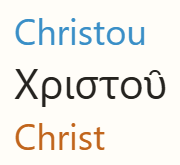 Provides an interlinear Bible. Each original-language word block is made up of the transliteration / original word / English meaning.
Click the Hebrew or Greek version icon at the top of the panel to hide or show its interlinear text.
4.6 Study
 Strong's Concordance
 Treasury of Scripture Knowledge
 Note
Note
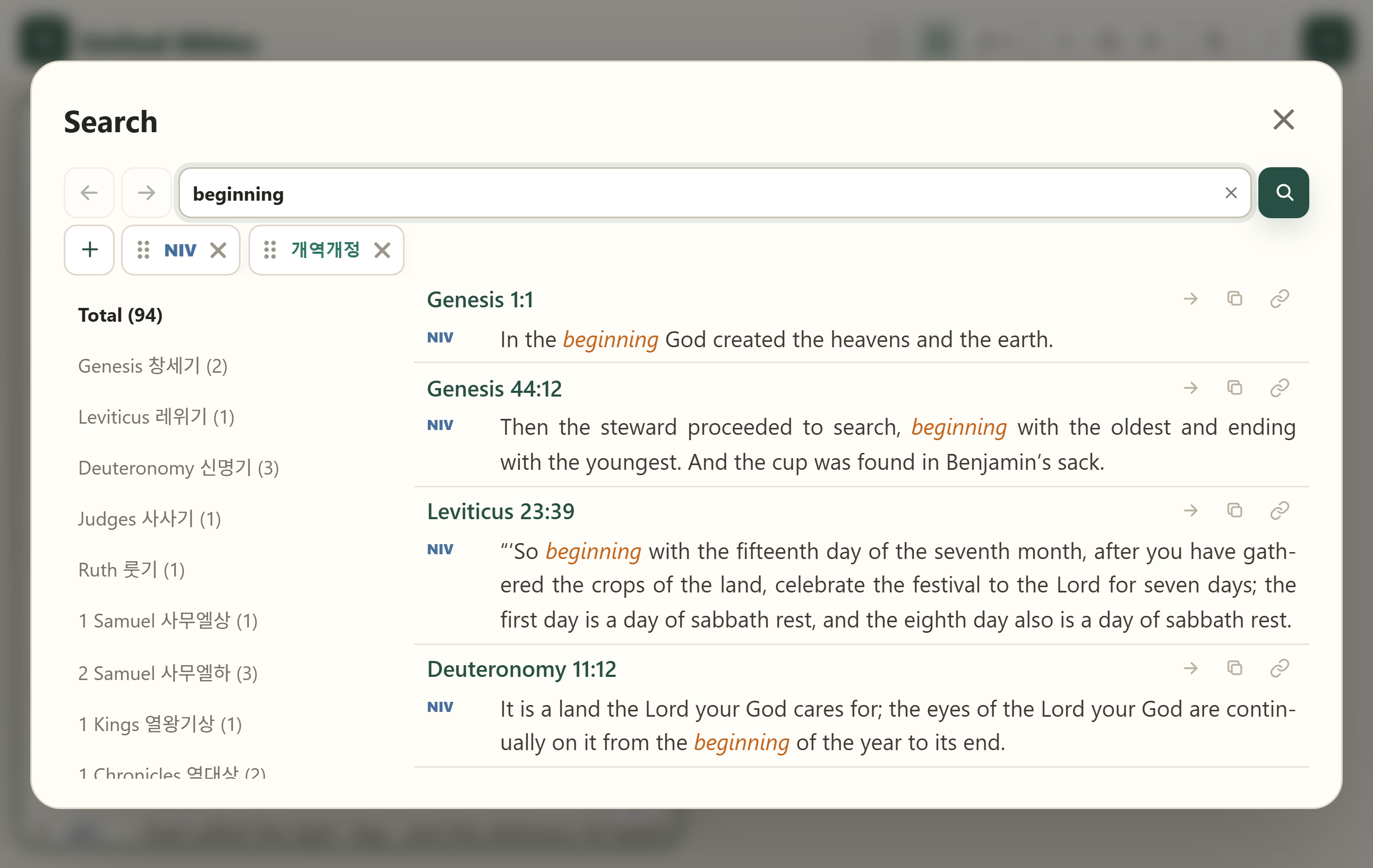
5.1 Keyword Search
 See where a keyword you enter appears throughout the Bible, in the versions selected.
5.2 Hebrew / Greek Concordance
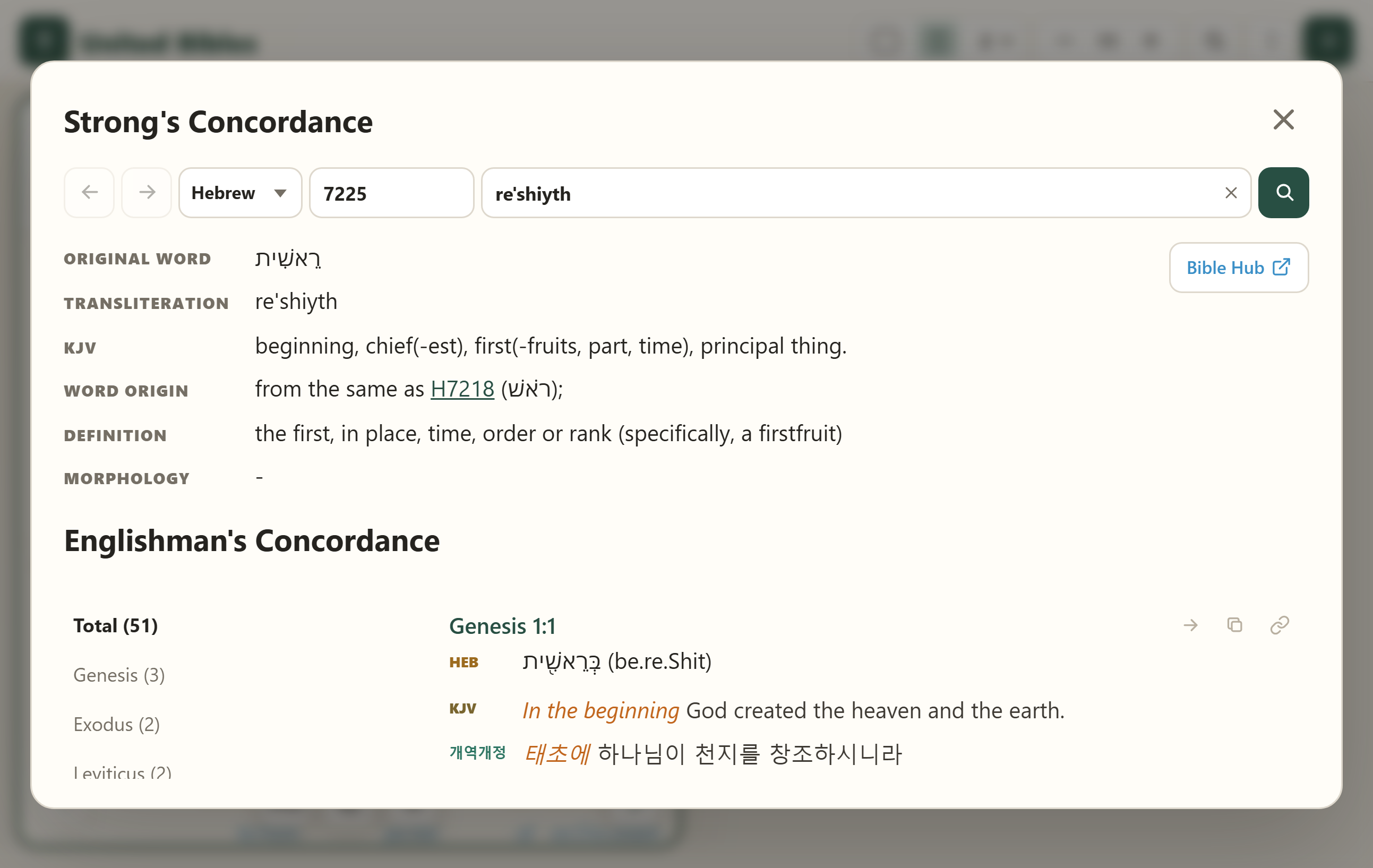
Strong's Concordance: every Hebrew or Greek word in the Bible has a numeric code -- Hebrew 1-8674, Greek 1-5624 -- with an explanation of its meaning.
Englishman's Concordance: shows how that word is used elsewhere in the Bible.
 Click a Hebrew or Greek word block to see its concordance entry.
5.3 Cross References
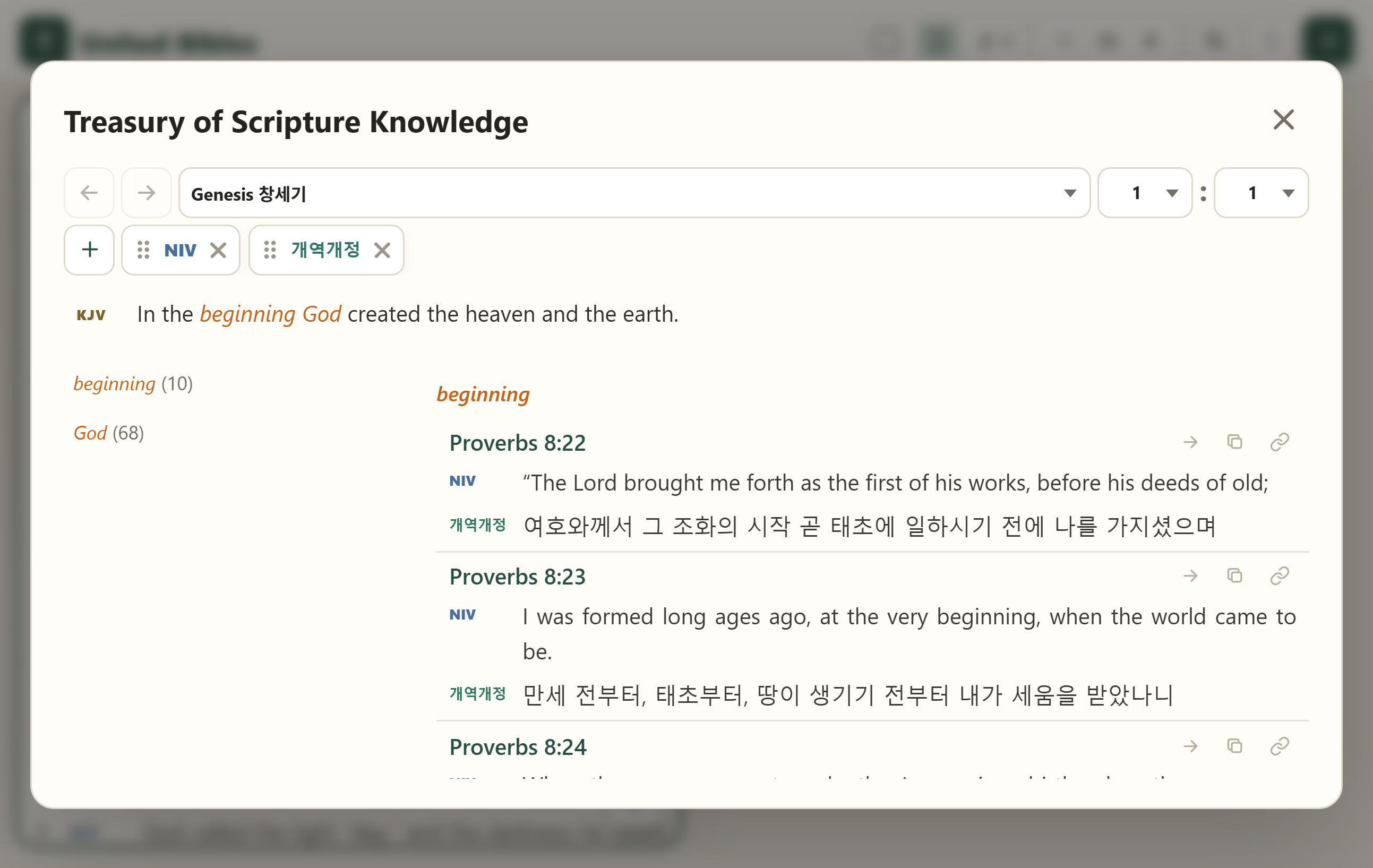
The Treasury of Scripture Knowledge is a cross-reference commentary compiled by Rev. R. A. Torrey.
 For a verse in the KJV Bible, shows the Bible verses associated with each word and phrase, in the versions selected.
6.1 Verse Selection
 Select Range: selects every verse between the first verse clicked and the second verse clicked.
 Select Individually: selects only the verses clicked, one at a time.
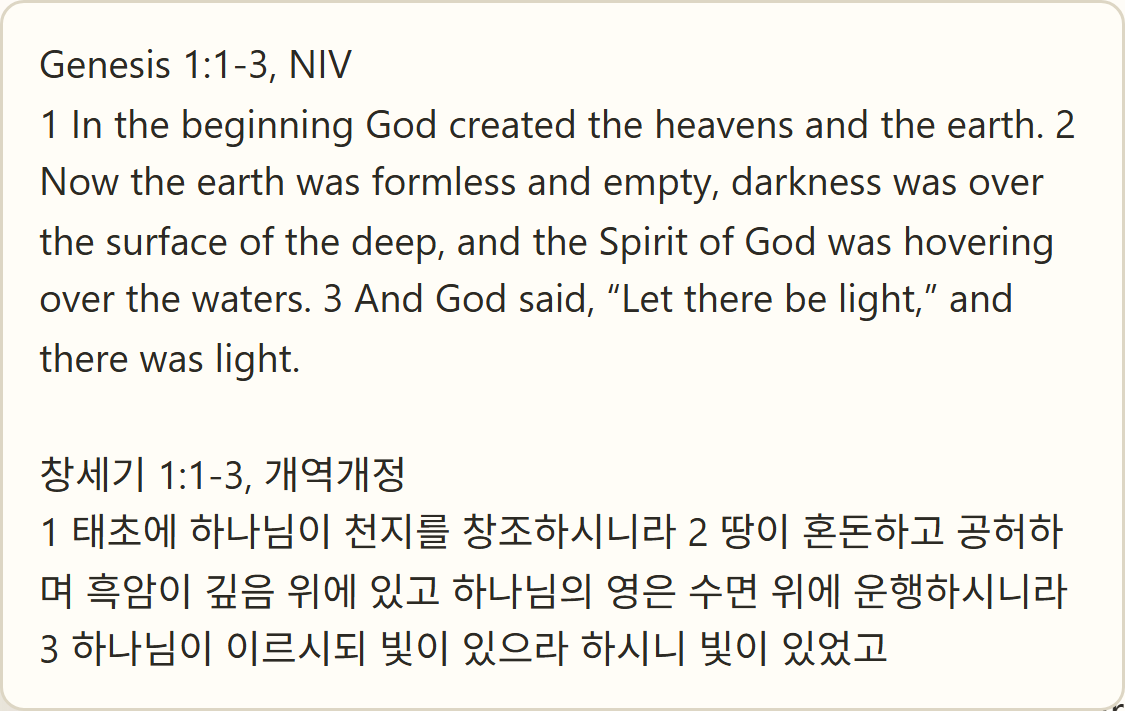
6.2 Copy
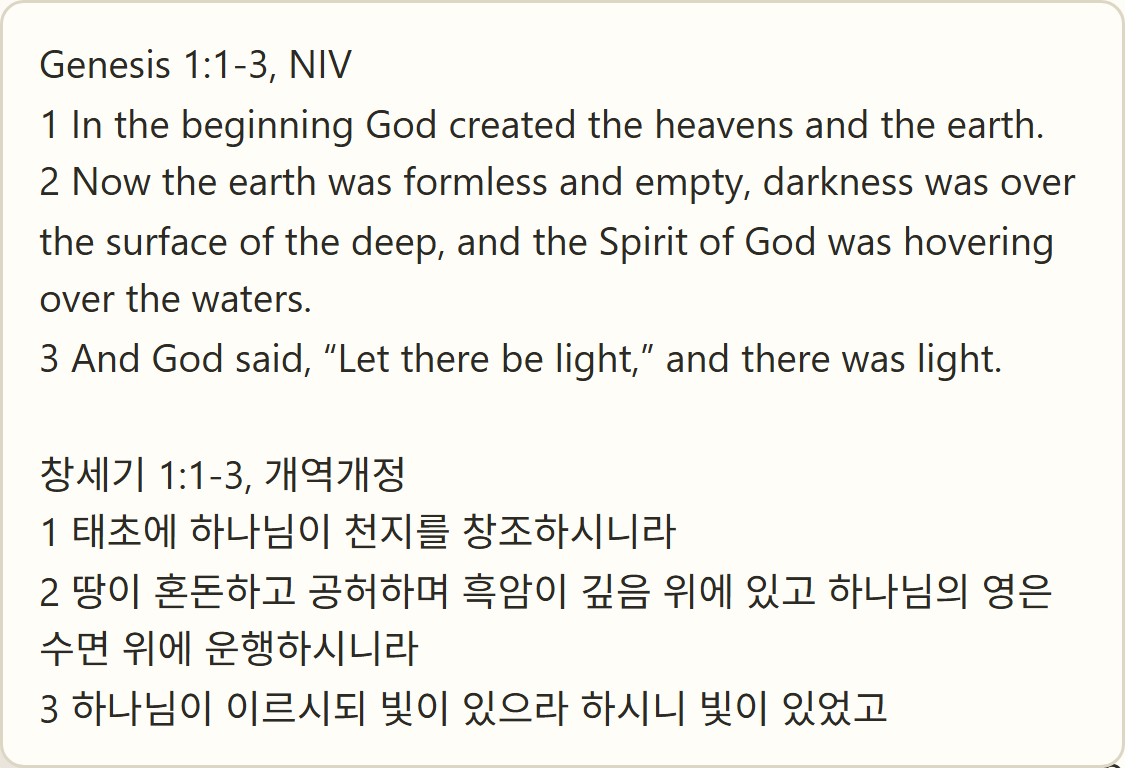
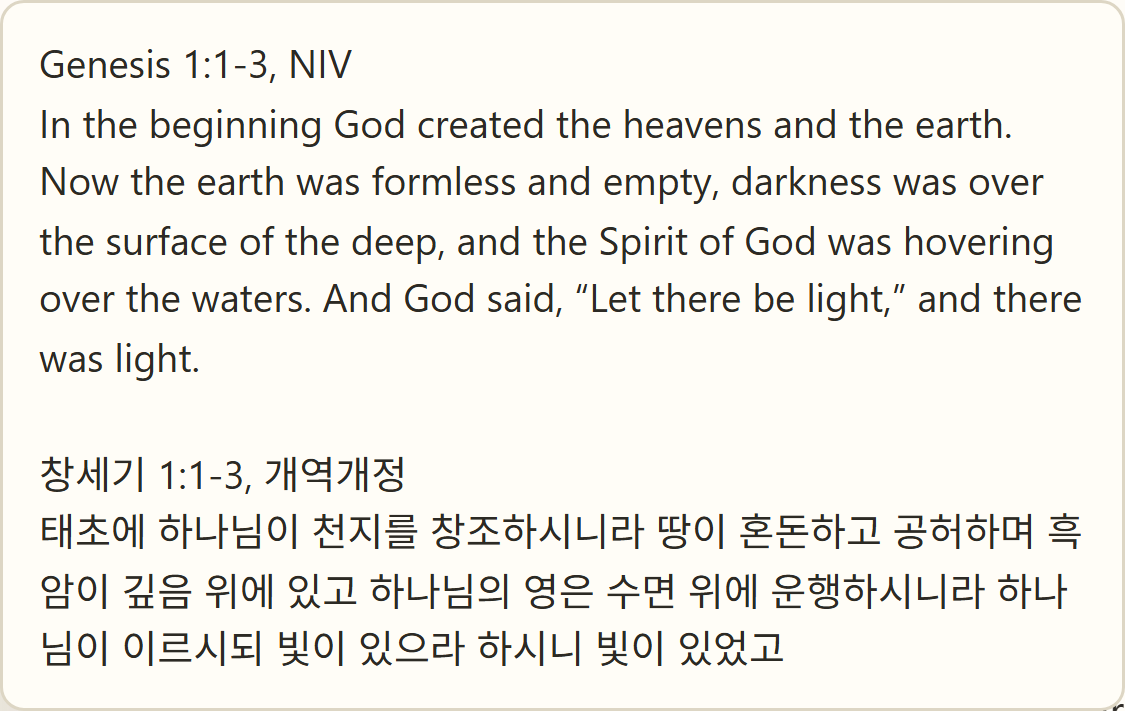
 Copies the selected verses, by the selected versions.
Verse by Verse
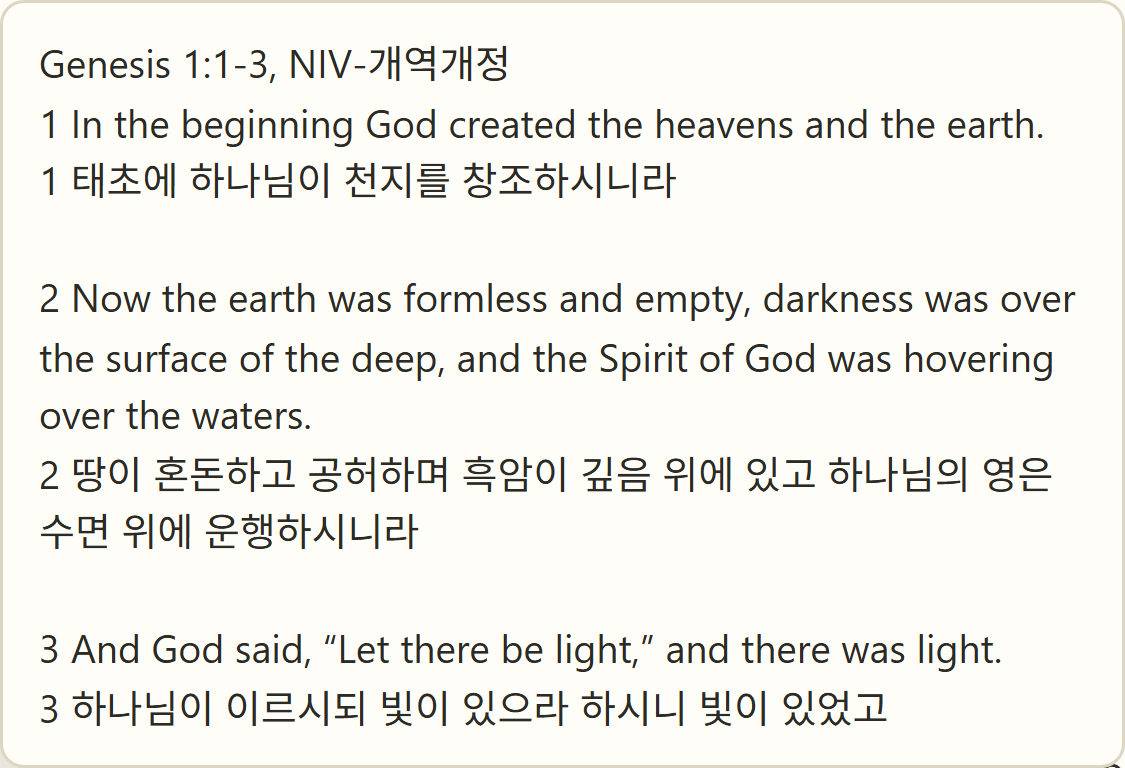
Version by Version
Text Only
Text with Numbers
6.3 Go to Verse
From a list of Bible verses in search results or a concordance, opens that verse in a panel.
 Opens the verse in an existing panel, or in a newly added panel.

6.4 Highlight
 Highlights the selected version's Bible verse. Click it to change the highlight color or remove it.

6.5 Bookmark
 Bookmarks the selected verse. Click the bookmark icon to remove it.

6.6 Note
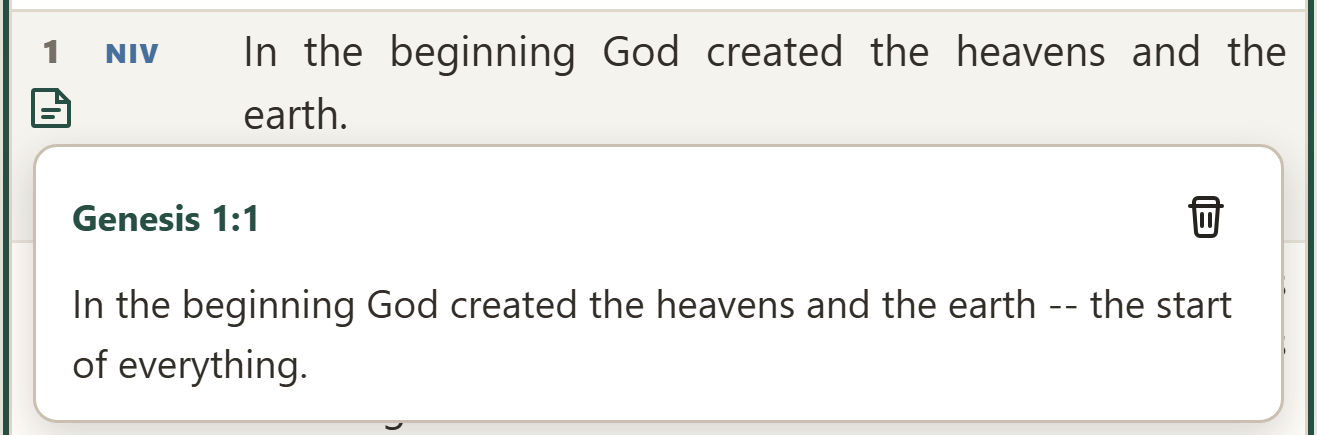
 Leaves a note on the selected verse. Click it to view, edit, or delete the note.